How does custom software development work, start to finish?
The steps between an idea and a working system — from understanding the problem to planning, building, testing, launching and evolving it.
If you’ve never commissioned a system before, the process can feel a bit mysterious. You present an idea, get a quote and, some time later, receive the finished system.
But what happens between those two moments? How does an idea turn into a working system?
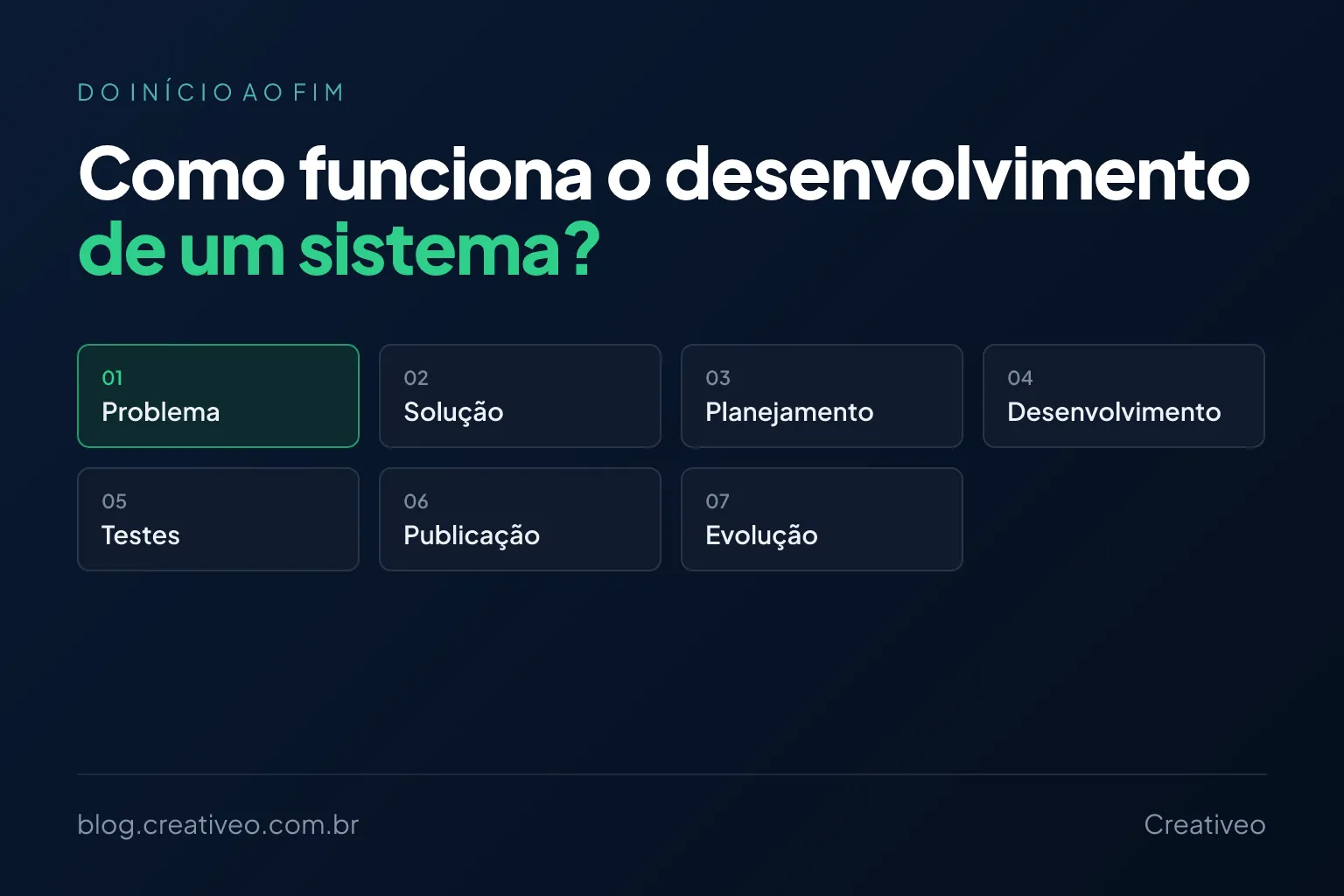
The process varies with the project and with who builds it, but it usually involves a few key steps: understand the problem, define the solution, plan, build, test, launch and evolve.
1. It all starts with the problem
Before thinking about screens, databases or technology, you need to understand which problem the system has to solve.
Picture a company that tracks its orders by hand. It might say:
“I need an order system.”
That sentence doesn’t explain much yet. You need to understand:
- how orders come in today;
- who records the orders and where that information lives;
- what goes wrong;
- who needs to look up orders;
- what happens after an order is created;
- whether other systems are involved.
After that conversation, it may become clear that the company doesn’t just need an order system. Maybe the main problem is the amount of information being copied by hand between different systems — and that discovery can change the solution completely.
A good project starts by understanding the problem, not by choosing the technology.
2. Defining the solution
Once the problem is understood, it’s time to think about how to solve it. Very different paths can come up: using software that already exists, automating a task, integrating existing systems, building your own system, creating an app or starting with a smaller solution.
This step matters because not every problem requires a system built from scratch. Sometimes a simple integration solves what looked like it needed a large application. In other cases, an off-the-shelf tool covers practically everything — it’s worth reading when to choose custom software or off-the-shelf.
The goal is to find the solution that best fits the problem.
3. Defining the features
Once it’s decided that building really is necessary, the next step is defining what the system has to do. This is where an abstract idea becomes concrete features.
A system for a service company, for example, might need:
- customer and employee records;
- a schedule;
- work orders and status tracking;
- attachments and photos;
- notifications;
- reports;
- users and permissions.
That doesn’t mean everything has to be built at once. A good question is:
What is really needed to solve the main problem?
This definition prevents projects that start small and quickly grow into dozens of features that may never even be used.
4. Planning the project
With the initial scope defined, development can be planned: which features come first, what the priorities are, which integrations are needed, who will use the system, which technologies are involved, what dependencies exist and what the estimated timeline is.
Planning also helps spot risks before they show up in the middle of development. An integration may depend on an external API, for example. If that API has limitations or doesn’t offer a certain feature, it’s better to find out at the start.
5. Screen design and user experience
Before building everything, you also need to define how people will use the system: which screens exist, what information they show, where each action lives, how navigation works, how it behaves on a phone and how errors and confirmations are presented.
A system can work technically and still be hard to use. Picture an application that does everything the company needs but takes ten steps for a task that used to take two minutes. The system solved one problem and created another.
That’s why user experience is part of development too.
6. Development
Now comes the step most people associate with the word “programming”: developers turn the plan into software.
Depending on the project, that involves the interface, an app, the server, the database, APIs, integrations, authentication, permissions, notifications, reports and automations.
This is also where business rules are implemented. For example:
“An order above a certain amount needs approval.”
That rule has to become real behaviour inside the system.
7. Integrations with other systems
Many systems today don’t work in isolation. An application may need to talk to financial systems, payment gateways, messaging services, sales platforms, inventory control, third-party APIs and storage services.
In that case, the job isn’t just building the new system, but making different systems exchange information correctly. A good integration eliminates a huge amount of manual work:
order received → system records it → inventory is updated → customer gets a notification
Without integration, each step could require a different action from a person. It’s the same reasoning as turning a manual process into an automated system.
8. Testing
A system shouldn’t go into production just because “the coding is done”. You need to test whether:
- the features work and the calculations are correct;
- users can complete their tasks;
- permissions are working;
- integrations respond correctly;
- errors are handled;
- the system works on different devices.
It’s also important to test unexpected situations. What happens if someone fills in a field incorrectly? What if the internet goes down? What if an external service is unavailable? What if two people try to change the same record?
These situations are part of the reality of any system.
9. User acceptance
After the technical tests comes an especially important moment: the people who actually know the business use the system. This step is usually called user acceptance testing.
It’s when the client notices things like:
“It would be better to show this information first here.”
“This process needs one more step.”
“In practice, our team does this a different way.”
That’s normal. No matter how detailed the planning, some needs only become clear once the system starts being used.
10. Launch
Once tested and approved, the system goes live. Depending on the project, that means publishing a website, making a web system available or releasing an app — and, behind it, setting up servers, the database, the domain, external services, backups and monitoring. Apps also go through the app store publishing processes.
From here on, the software stops being just a project and becomes part of how the company operates.
11. Training and first use
Having the system available doesn’t mean everyone will know how to use it right away. Depending on the project, the team needs guidance through training, documentation, videos, usage examples and initial support.
This phase matters most when the system replaces an old process. The team isn’t just learning a tool — it’s changing the way it works.
12. Development ends, but the system goes on
A common mistake is assuming the project ends on launch day. In reality, software keeps evolving: fixes, new needs, improvements, integrations, users, changes in business rules and security updates all come up.
On top of that, as the company uses the system, new opportunities appear. A feature built to solve one problem can reveal another process that could also be automated.
That’s why it’s common for a system to start small and grow along with the company.
Do you need to build everything at once?
No — and that’s one of the most important decisions in a project.
Picture a company with a list of twenty features it would like to have. Maybe only five are really needed to get started. In that case, it makes sense to build a first version with those five, put the system to use and learn from the experience.
This approach lets you:
- start using the system sooner;
- reduce the initial investment;
- validate the solution;
- discover the real needs;
- avoid building unnecessary features.
That’s the principle behind the MVP (Minimum Viable Product). An MVP doesn’t mean a badly built system: it means starting with the smallest set of features capable of delivering value.
Where does artificial intelligence come in?
AI can take part in several steps: creating prototypes, speeding up programming, generating tests, analysing problems, producing documentation and helping build features. That cuts the time some tasks take.
But one part remains essential: understanding the business. AI helps write code quickly, but it doesn’t automatically know how your company works, which rules matter or which problem should be solved first.
Technology is only one part of the project.
How long does this whole process take?
There’s no single timeline. A small automation can be done in a few days or weeks; a simple system, in a few weeks; projects with more features, integrations and business rules, in a few months.
The timeline depends on the number of features, complexity, integrations, number of users, platforms, business rules and level of customisation. That’s why an estimate only makes sense after understanding what really needs to be built — the topic is covered in detail in how long it takes to build custom software.
Development doesn’t have to start with a huge project
This may be the main takeaway for anyone thinking about commissioning a system: you don’t need to build a large platform right from the start. You can begin with:
a problem → a solution → a first version → learning → evolution
That makes the project more predictable and lets you see results before investing in features that may not even be necessary.
Thinking about building a system?
You don’t need to arrive with everything planned. Explain how your company works today, which processes are manual, where the biggest problems are and what you’d like to improve. From there, we can identify which features are really needed and define a development strategy.
Get in touch through the form and tell us what you need to solve.
A good system doesn’t start with a huge list of screens. It starts with a problem worth solving.
A few other articles you may find useful:
- How much custom software costs for your business — investment ranges for each size of project.
- How long does it take to build custom software? — rough timelines for all these steps added together.
- Custom software or off-the-shelf: which should you choose? — the step 2 decision, in detail.
- How to turn a manual process into an automated system — how to map the process before defining the solution.
- 7 signs it’s time to replace spreadsheets with a system — when the step 1 problem is already obvious.